

$7 Finish a 5 Second Animated Scene in 5 Days
March 24-28, 2026
A beginner-friendly animation challenge for creative kids and teens (ages 7–18). Clear steps. Real progress. Safe, encouraging environment.
Enrollment closes: March 22, 11:00 PM EST
time remaining:
*start with what you have – upgrade tools later if your child loves it.
Trusted by 2,000+ Young Creators
Teaching Animation Since 2017
2,700+ Classes of Practice, Feedback, & Progress
Who This Is For
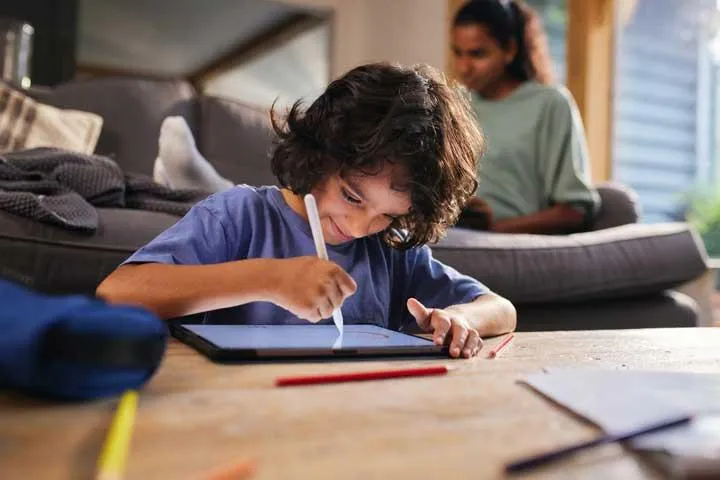
If your child…
✨ Loves drawing, anime, comics, or storytelling
✨ Watches animation tutorials but doesn’t know what to do next
✨ Has ideas but struggles to finish projects
✨ Wants feedback, not just likes
This challenge gives them a clear, step-by-step win.
What They'll Create

In 5 days, your child will have the opportunity to:
Develop a simple animation idea
Design a character or object
Animate it with real motion
Add simple polish
Export a finished 5-second animated scene
Small project. Big confidence.
*inside our full Academy, students build more complex 10–20 second comprehensive animated scenes over a 12 week process — but this is where it starts.
Check out some of our student-made creative work
student made character and walk cycle animation
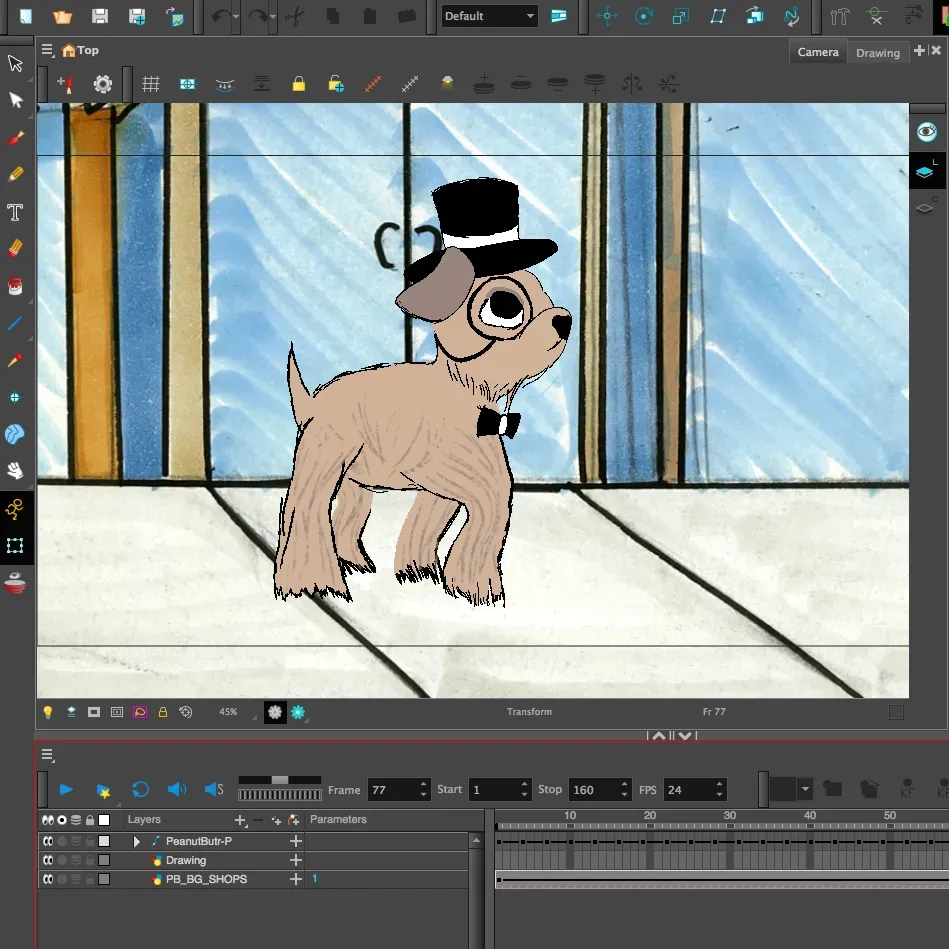
How It Works
Day 1: Idea + Planning – LIVE Kickoff Meeting (recording included).
Day 2: Character + Setup
Day 3: Key Poses
Day 4: Movement
Day 5: Finish + LIVE Showcase on Day 5 (recording included).
Short daily lessons (5–12 minutes).
student made character and walk cycle animation
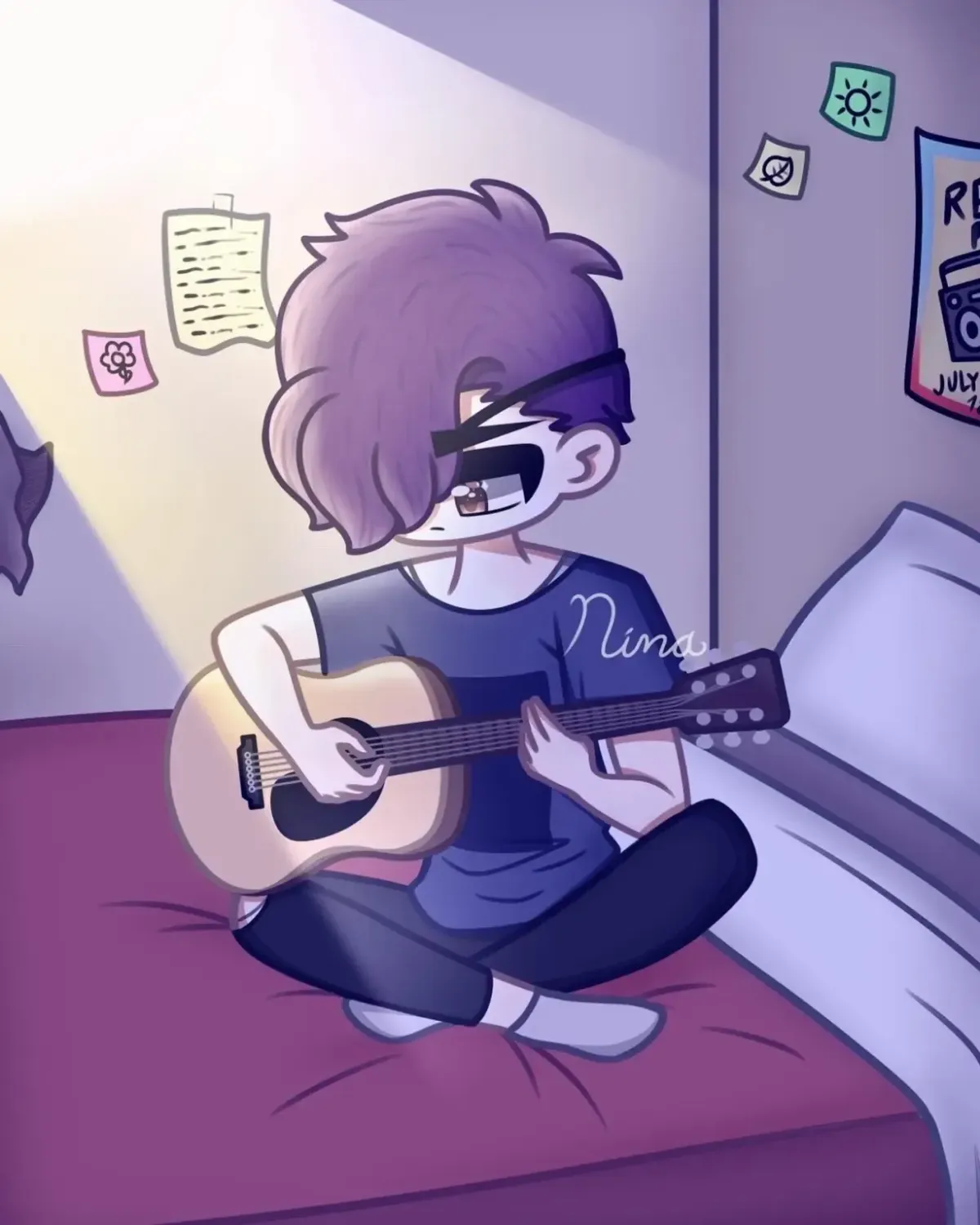
student art by Nina G.
student art by Nina G.
Simple Setup
Recommended (best experience):
• Any digital device (Mac or Windows computer, iPad or Android tablet, iPhone or Android smart phone, Chromebook, or Kindle Fire)
• RoughAnimator App ($7.99)
• If on Mac/Windows: any Wacom-style tablet with stylus works (XP-Pen, Huion, Gaomon, etc.)
• If on iPad: an Apple pencil or compatible drawing stylus, or can draw with finger
• If on mobile touchscreen device: compatible drawing stylus, or can draw with finger
*Important: Don’t buy anything yet if you’re unsure. Start with what you already have.
**For most ideal setup using what you already have: see "Recommended Setup" at the bottom of this page
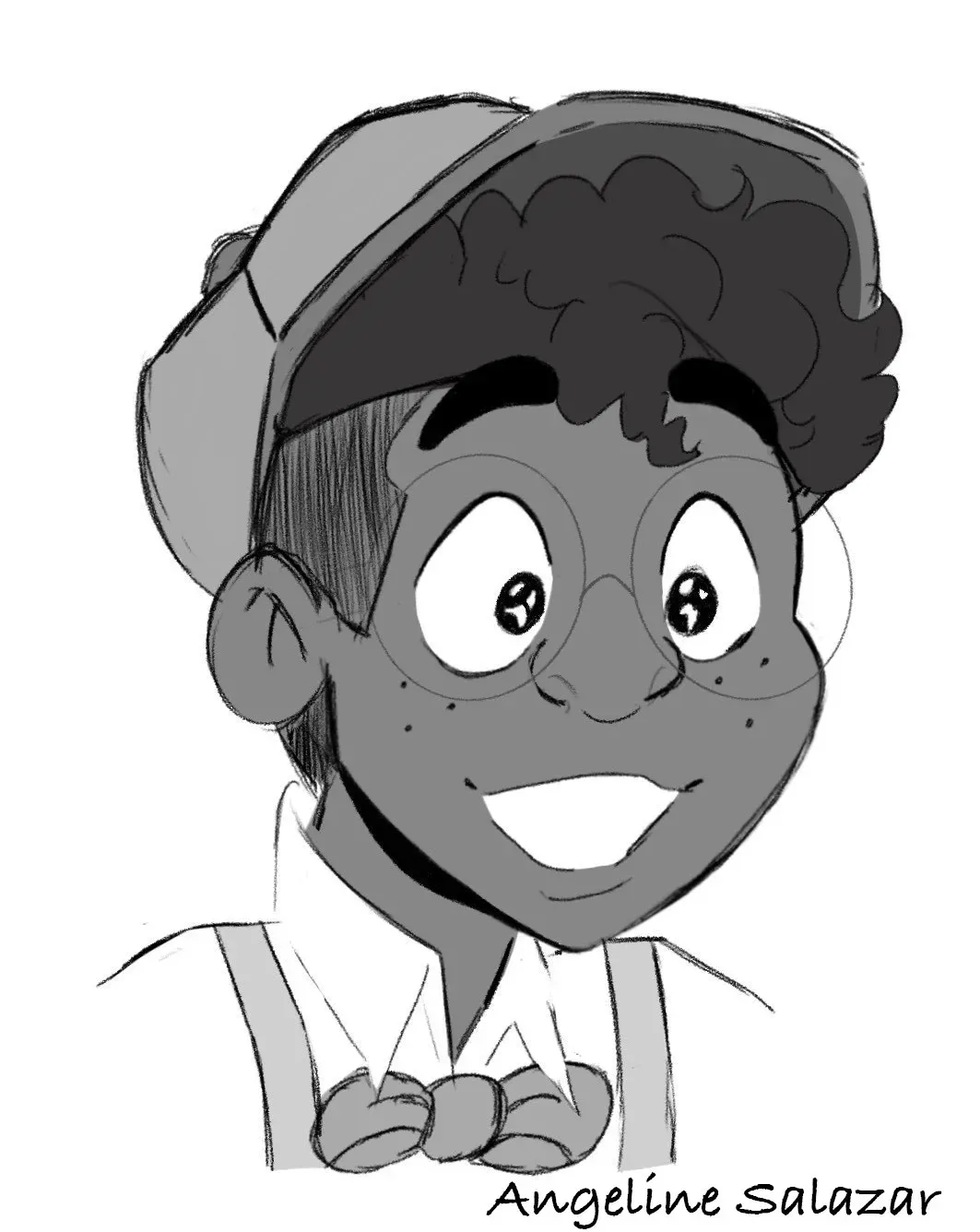
student art by Angeline S.
BONUS (Unlocks Day 1)
🔓 RoughAnimator Quickstart (45 minutes)
• Make your first simple animation fast.
• Learn the core tools of RoughAnimator without overwhelm.
• Perfect for beginners.
Valued at $49!
student art by Angeline S.

Safety + Support
We prioritize:
• A moderated environment
• Encouraging, constructive feedback
• Process over perfection
• Students learning side-by-side at different levels
• Parents are welcome to join with challenge with their child or teen
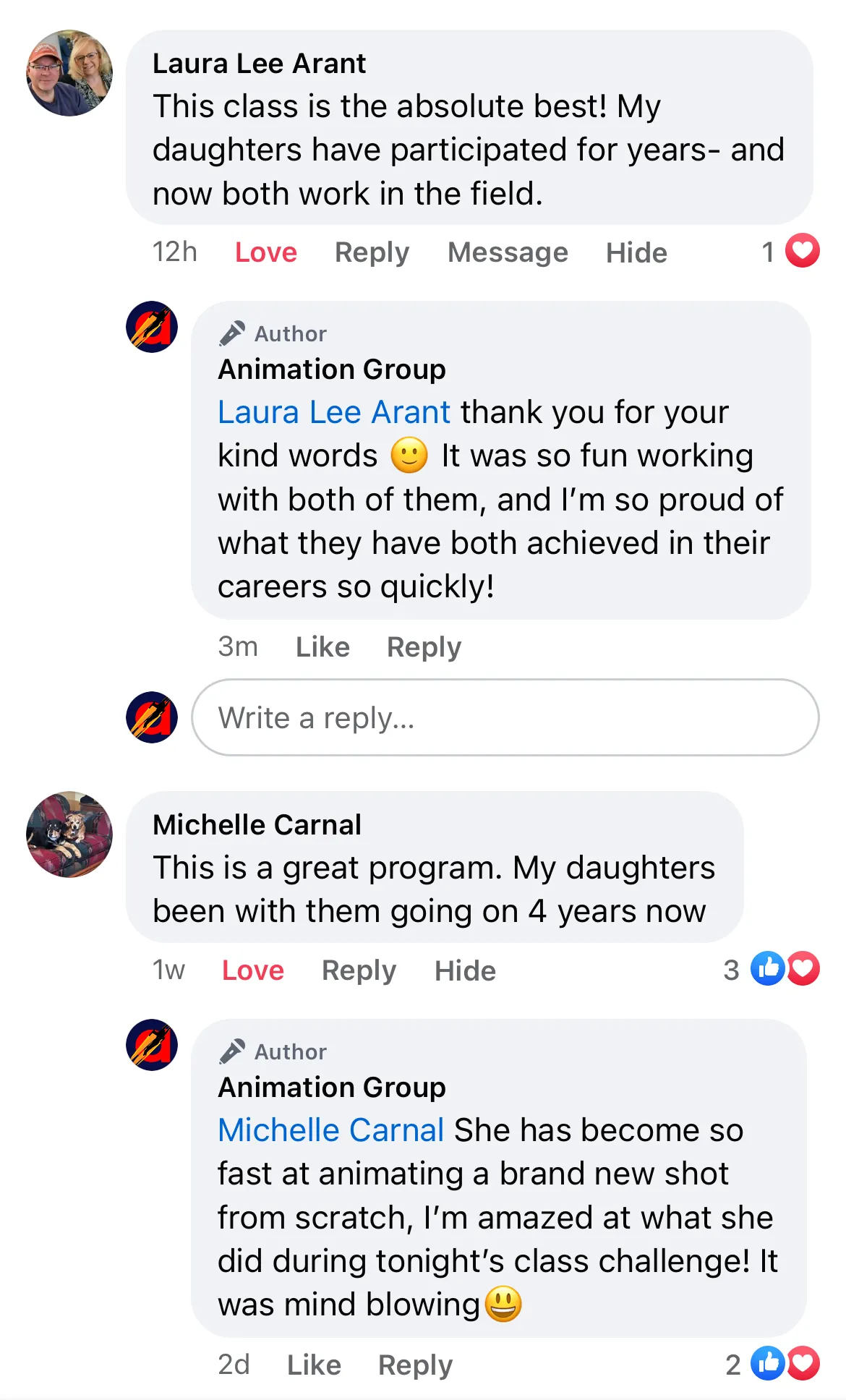
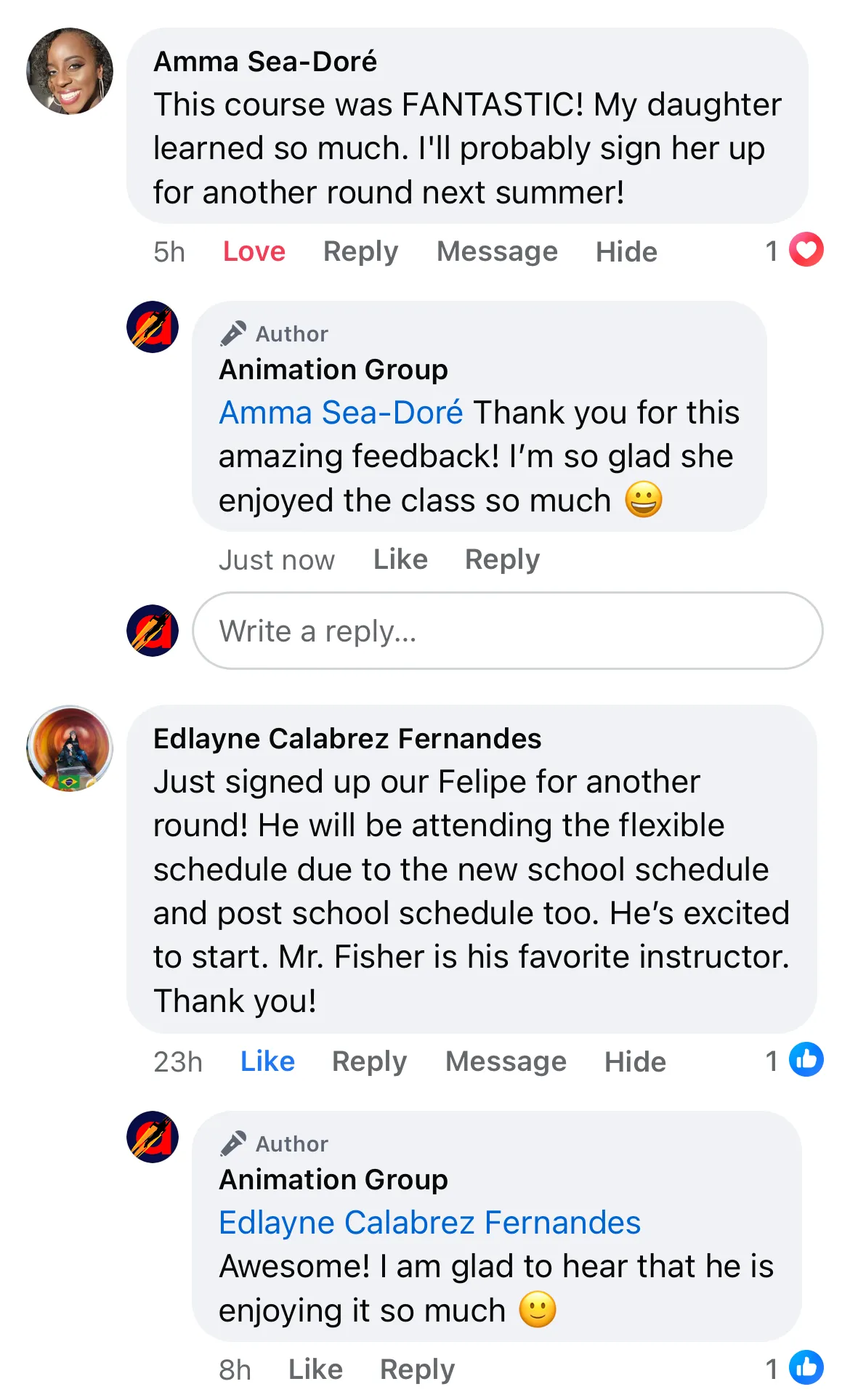
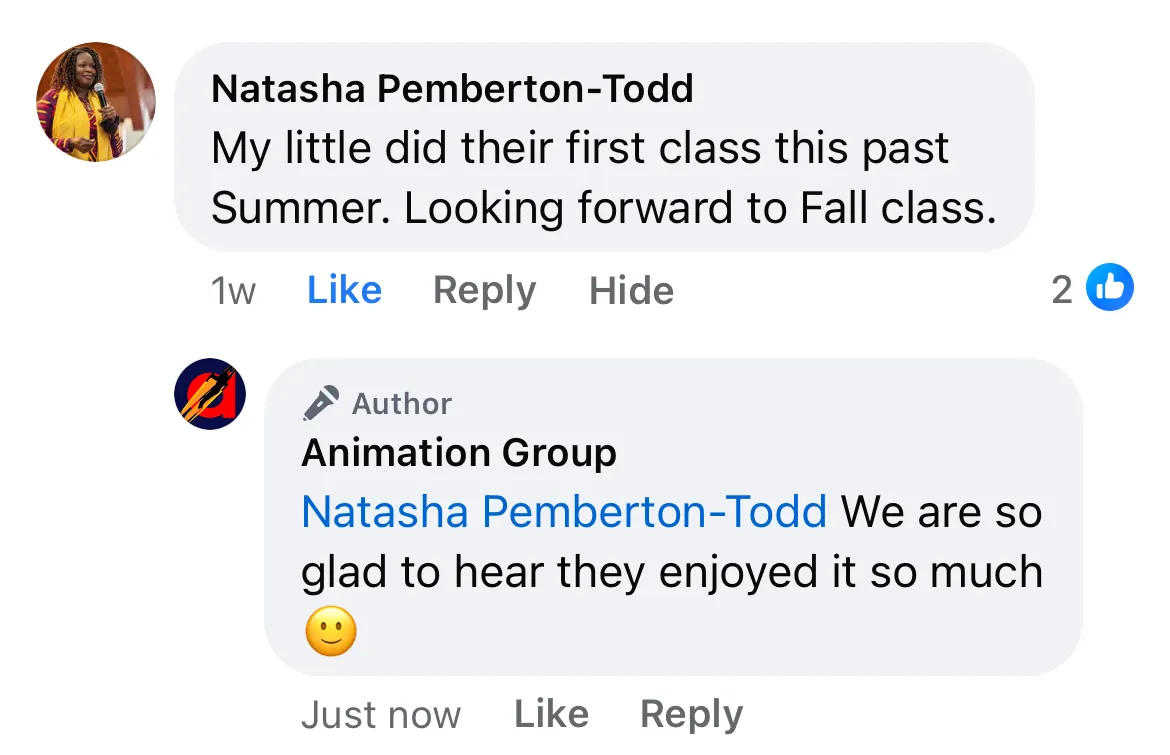
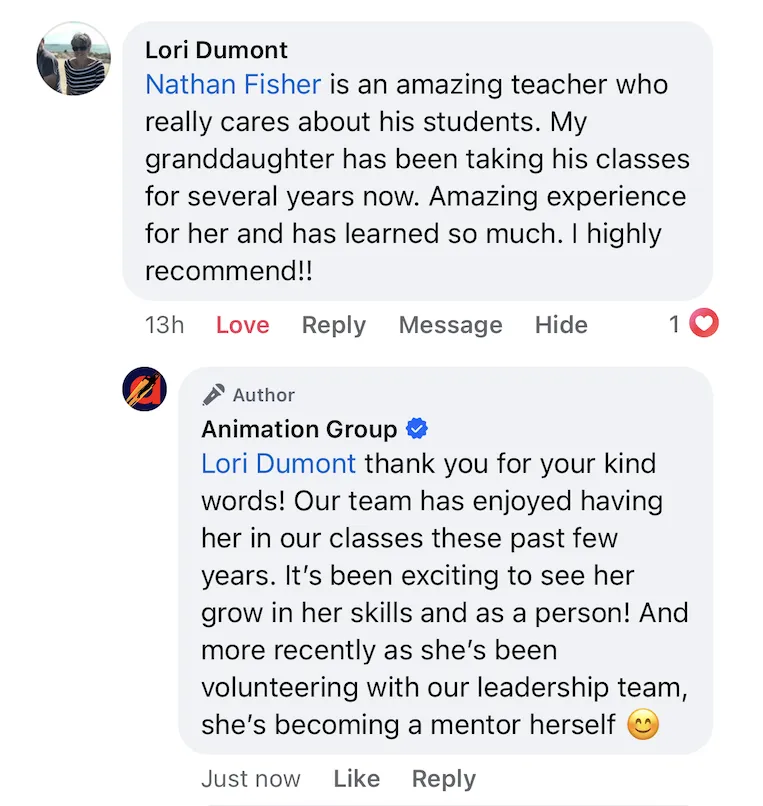
Testimonials
What students are saying...
“I loved the knowledge of the animation programs that I learned.
A huge benefit was the community feel. It’s a wonderful place to come and explore your passion, or just laugh with some new friends. This class was much better than online videos that have no structure or new material. It was a wonderful experience.
I wish I had more time to explain how much I admire this class. It perfectly combines a friendly environment, allowing everyone to learn at their own pace and enough challenge to keep me engaged.”
-S.H.
“The class experience was awesome!!! Before this class I used to lock myself in my room and try to learn off the internet. This class is better!! I got to work with cool people and I love the method of art teaching.”
-M.S.
Laura L. says, "Mr. Fisher got me out of the fear of animation and through his classes I have learned so much!"
Lauryn E. shared, "My favorite part of the classes are the Q&As and being able to ask questions. I love sharing my work and seeing other student's share their work, and the interactive polls are so fun!"
Cooper H. says, “You get to talk and show what you are creating, and experience it with other people who are doing it with you. Its great!”
Jadyn V. said, "This class is worth it because you are able to make friends, you're learning more and able to improve on your skill with each class, the support that you get and the help that you get is really good!"
Student, Amanda H. explains how beginners and more experienced students learn together side by side
Lucas S. says, "My mom was looking for an animation class for me and came across this and the rest is history!"
What parents are saying...
“Mr. Fisher, You are such a wonderful teacher, encourager and inspiration to my daughter. Thank you for believing in her and helping her excel. We both appreciate your influence in her life.”
Parent of 7th Grade Student
“Thank you, Mr. Fisher! My son has loved your class! Thanks for all your effort that you put forth into an encouraging and positive experience for the kids!”
Parent of 8th Grade Student
Register Your Student Here
To participate in this program, the student and the parent/legal guardian are entering into the following contractual agreement.
FINISH YOUR FIRST ANIMATED SCENE IN 5 DAYS:
March 24-28, 2026
Enrollment closes: March 22, 11:00 PM EST
time remaining:
MARCH 24-28, 2026
SCHEDULE INCLUDES:
MARCH 24 TUESDAY – Day 1: Idea + Planning
LIVE 1st Lesson Kickoff meeting on ZOOM with getting started Q&A5:00-6:00PM Mountain Time
(4pm Pacific / 6pm Central / 7pm Eastern)
(recording included)MARCH 25 WEDNESDAY – Day 2: Character + Setup
Short video lesson (5–12 minutes)MARCH 26 THURSDAY – Day 3: Key Poses
Short video lesson (5–12 minutes)MARCH 27 FRIDAY – Day 4: Movement
Short video lesson (5–12 minutes)MARCH 28 SATURDAY – Day 5: LIVE Showcase on ZOOM + closing Q&A
5:00-6:00PM Mountain Time
(4pm Pacific / 6pm Central / 7pm Eastern)
(recording included)
$7
To participate in this program, the student and the parent/legal guardian are entering into the following contractual agreement.
Challenge is Closed
Join the waitlist today and be the first to know when it opens again
What to Expect...
After signing up, you will receive a welcome email with all the details. If you don't see it, please check your spam/junk folder. We will also send the info by SMS/text to be sure you receive it.
You'll receive a link for the Student Info Registration Form to be filled out before first class.
Student's, get ready to animate!
Recommended Setup*
*start with what you have – upgrade tools later if your child loves it.
1) Pencils/Paper
BLANK PAPER, PENCILS, SHARPENER, and an ERASER.
2) Digital Device
A DIGITAL DEVICE TO DRAW, DESIGN, AND ANIMATE WITH – ONE of the following:
• Desktop or laptop computer (Windows or Mac) – with a drawing tablet*.
8MB RAM minimum is recommended for the apps to work well.
• iPad Pro – with an Apple Pencil (or compatible drawing stylus).
Apple Pencil ONLY works with the iPad Pro
• Touchscreen Chromebook – with a drawing stylus.
8MB RAM minimum is recommended for the apps to work well
• Touchscreen Mobile Device – with a drawing stylus.
Smart phone or tablet (older iPad, iPhone, Android, or Kindle Fire) with a drawing stylus: We recommend the Adonit Pro drawing stylus available on their website for $30 Also, right now the Adonit Droid is available on clearance for $15. Test the RoughAnimator App on your mobile device to make sure that your device can support it. If RoughAnimator will not work well, other animation apps probably will not work on that device either.
*IMPORTANT NOTE about drawing tablets for Windows or Mac computers, either of the following options will work:
• Wacom drawing tablet – for Windows or Mac computers.
You can find a good starter one on the Wacom website or on Amazon for approx $39. The Wacom Intuos S is a good starter tablet. Alternative options for drawing tablets include Cintiq, XP-Pen, Huion, and Gaomon.
• iPad Pro and Apple Pencil with Astro Pad Studio.
If you already own an iPad Pro and a Windows or Mac computer, this is an alternative option to provide a drawing tablet that will allow you to use Windows and Mac only apps like Toon Boom Harmony, that do not run on an iPad or mobile device. With this option, you will not need to buy a Wacom drawing tablet.
3) Animation App
ANIMATION APP – RoughAnimator ($8).
We recommend every student have RoughAnimator installed on your device to follow along with class demonstrations. We work primarily with RoughAnimator in this challenge and will provide a bonus lesson to teach you how to use it.
OpenToonz is a free industry standard alternative for Mac or Windows computers. We have a list of easy-to-follow video tutorials to help students get started using OpenToonz for any enrolled student who requests it.
In additional to RoughAnimator, you are welcome to use other animation apps if you already know how to use them. We do not teach how to use the following apps but you are welcome to use them for this challenge –
Other recommendable Windows and Mac 2D animation apps include: TV Paint, Clip Studio Paint EX, Krita, FireAlpaca, Flipbook, Pencil2D, and Blender.
Other recommendable iPad animation apps include: Procreate Dreams, Toon Squid, Callipeg, FlipaClip, and Clip Studio Paint EX.
4) Internet
A DIGITAL DEVICE WITH INTERNET ACCESS AND THE ZOOM APP installed to connect to and participate in our live online meetings – it can be the same device used for #2 above, but it is often easier to follow along if these devices are separate.